
Understanding Win Update & Errors
Master Win maintenance with guides on system updates and deciphering common error codes.
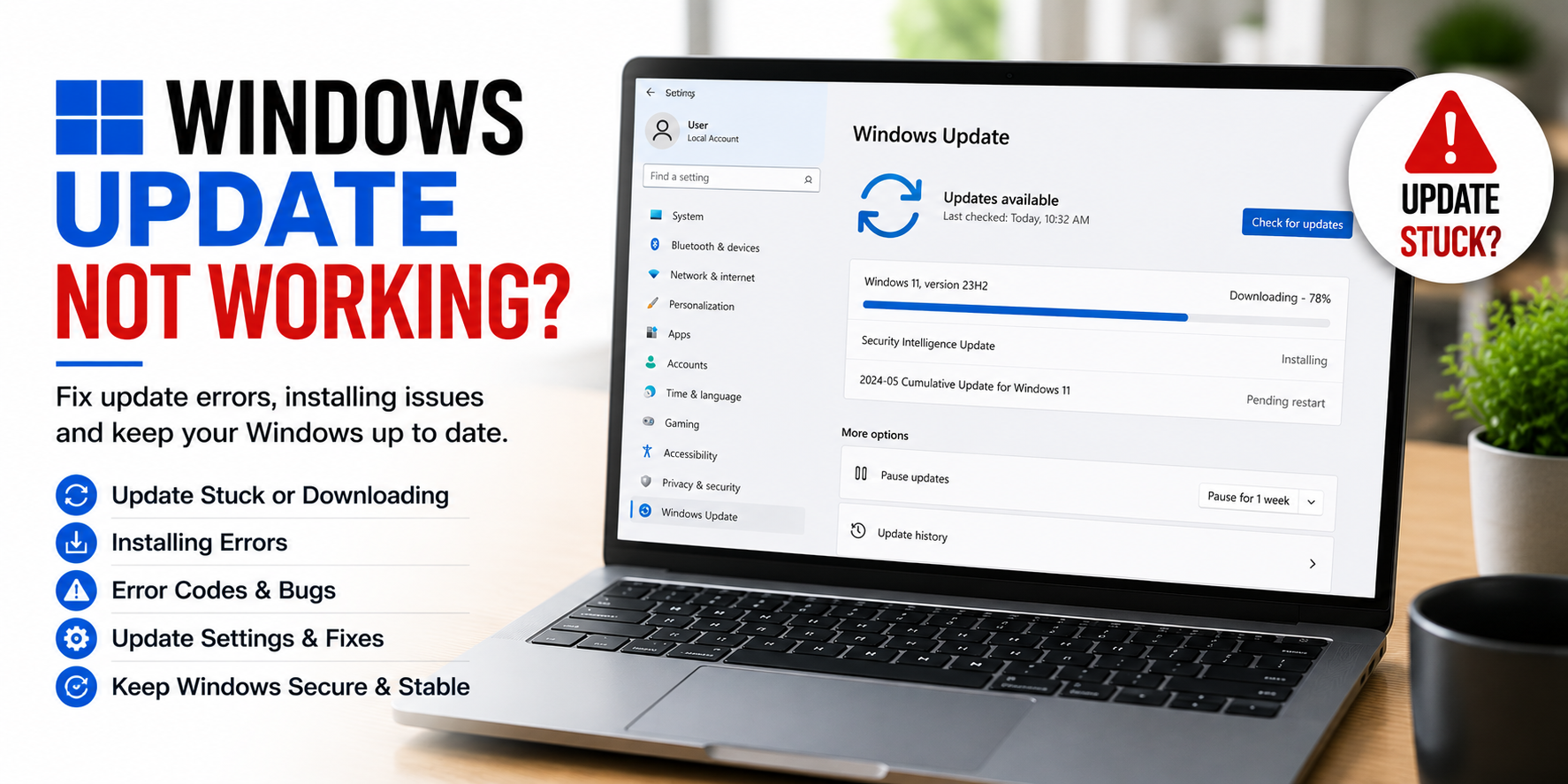
Core ideas behind win update & errors.
Win Updates and Error Codes are two sides of system health. Proper maintenance prevents most errors, but knowing how to read them is essential.
Understand how to troubleshoot common update errors and system crashes using built-in Win diagnostic tools.
Discover how to use tools like SFC, DISM, and System Restore to bring your PC back to life.
Start with the most useful visual guides.
These highlighted guides explain common learning areas for win update & errors with simple steps, visual references, and clear topic flow.
Update Stuck or Downloading
4 visual steps to resolve issues when Win Update gets stuck at 0% or fails to start downloading.
Error Codes and Bugs
4 visual steps to decode cryptic Win error codes and fix persistent system bugs.
Install Errors
4 visual steps to troubleshoot and fix errors that occur during the Win installation and update process.
Why understanding win update & errors matters.
Security Patches
Learn how updates fix "zero-day" vulnerabilities that hackers use to gain unauthorized access to your files.
Code Translation
Learn how to translate "Stop Codes" into human-readable issues like "Memory Management" or "Driver IRQL Not Less or Equal".
Feature Drops
Understand how Microsoft delivers new productivity tools and UI improvements through the "Feature Update" cycle.
Diagnostic Tools
Master the use of SFC, DISM, and CHKDSK—the "holy trinity" of Win repair commands that fix most system file errors.
System Stability
Discover how updates fix underlying system bugs that cause random crashes, freezes, and software glitches.
Recovery Mode
Understand how to trigger the Advanced Startup menu when Win refuses to boot normally, giving you access to Repair tools.
Common questions, simple explanations.
Learn basic answers about win update & errors and related concepts.
Ready to explore more digital topics?
Our educational library covers everyday technology topics with simple explanations and structured learning paths.