
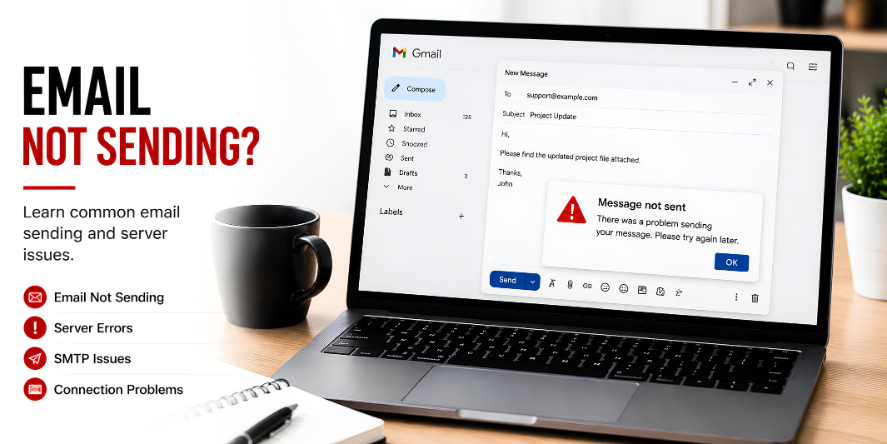
What Is the Outbox?
The outbox is a temporary holding area for emails that have been created but not successfully sent yet. When an email stays in the outbox, it means the sending process has not completed.
This can happen in desktop mail apps, mobile email apps, and web-based email services. The outbox helps users see that a message is waiting for delivery.
Why Emails Stay in the Outbox
- Internet connection: The device may not be connected clearly to the internet.
- Large attachment: A file may be too large for the email service limit.
- Account settings: The outgoing mail settings may not be accepted.
- Server delay: The mail server may be slow to respond.
- App sync delay: The email app may be waiting to refresh or sync.
Question: Does Outbox Mean the Email Was Sent?
No. If the email is still in the outbox, it usually means the message has not fully left the device or app. Sent mail is normally shown in the Sent folder after delivery begins successfully.
Question: Why Do Attachments Matter?
Attachments increase email size. If the file is too large or the upload does not complete, the email may remain waiting in the outbox.
Common Email Terms
- Inbox: Where received emails appear.
- Outbox: Where waiting emails stay before sending.
- Sent: Where successfully sent messages are stored.
- SMTP: A common outgoing mail sending system.
- Sync: The process of updating mail across devices.
Learning Point
Email sending happens in stages. The outbox is useful because it shows that the message is still waiting, uploading, syncing, or trying to connect with the mail service.
Editorial Note
Written for simple digital learning.
Bring My Guide creates readable educational articles about everyday digital topics. Each article explains the meaning, common behavior, and useful context behind the subject.